


What is a whitelist?
Only IPs on the whitelist are allowed to access your home server; all other IPs are blocked.
Notion
|
Directions |
|---|---|
| relay server | Your jump server; all traffic goes through it to your residential VPS. |
| whitelist | Adding the relay server IP will allow it to access the residential VPS. |
| Access | The relay server has 100% access, with no restrictions on ports or protocols. |
Traffic flow: Your device → Relay server → Home server
Setup document
first step, https://forward.sixtynet.net
Log in using your SixtyNet account and password.
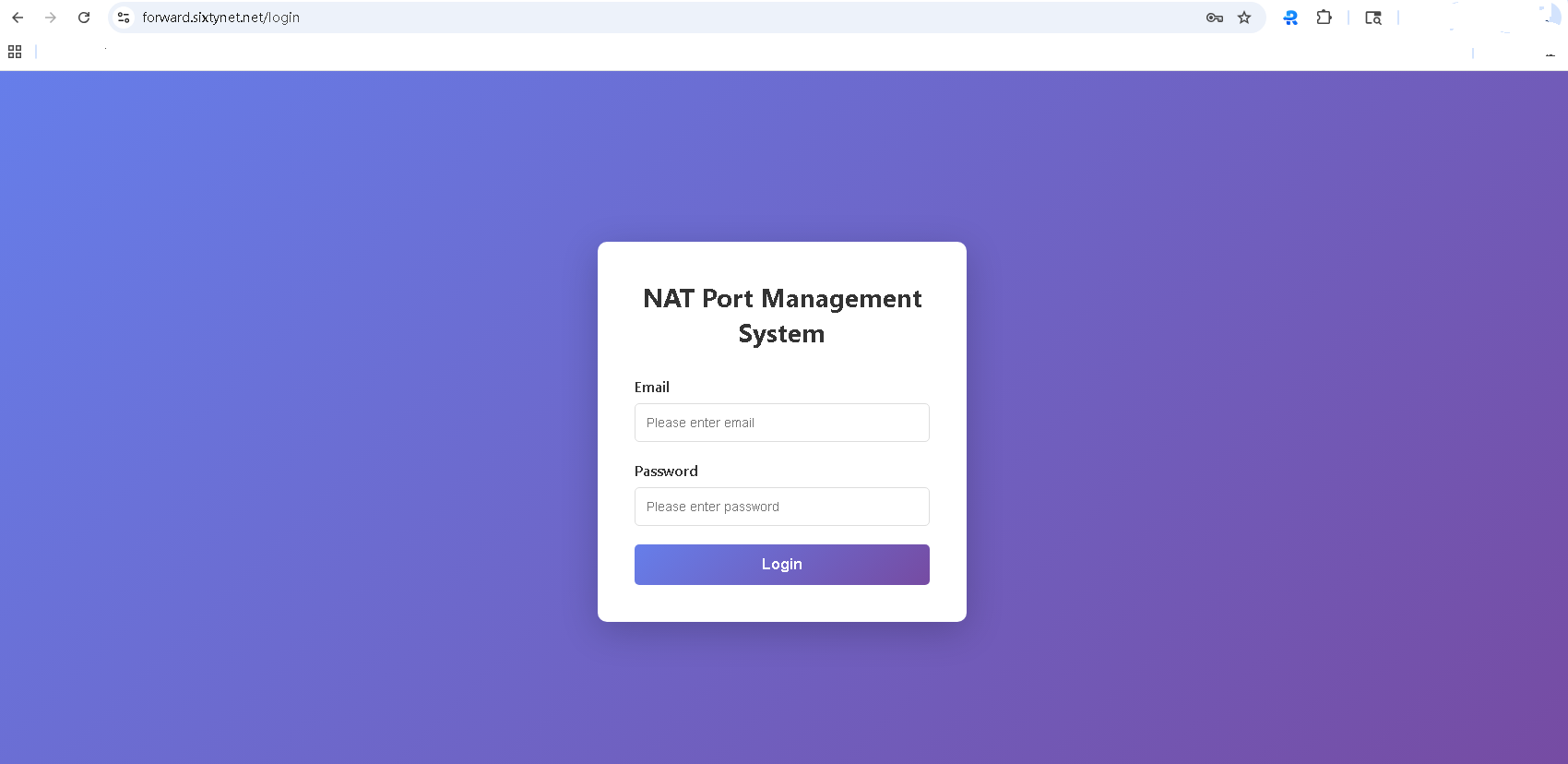
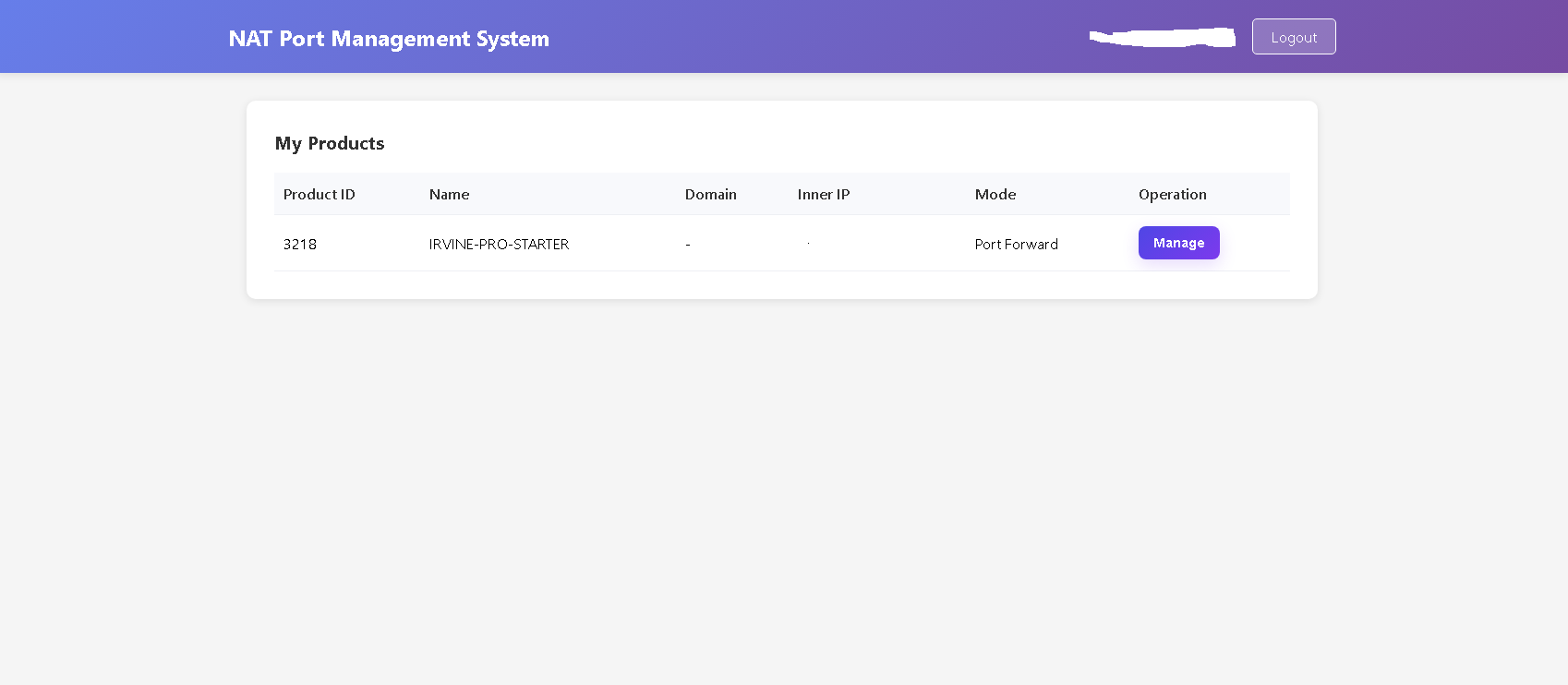
After logging in, we can choose either port forwarding or whitelist settings; the two modes are mutually exclusive.
Whitelist settings
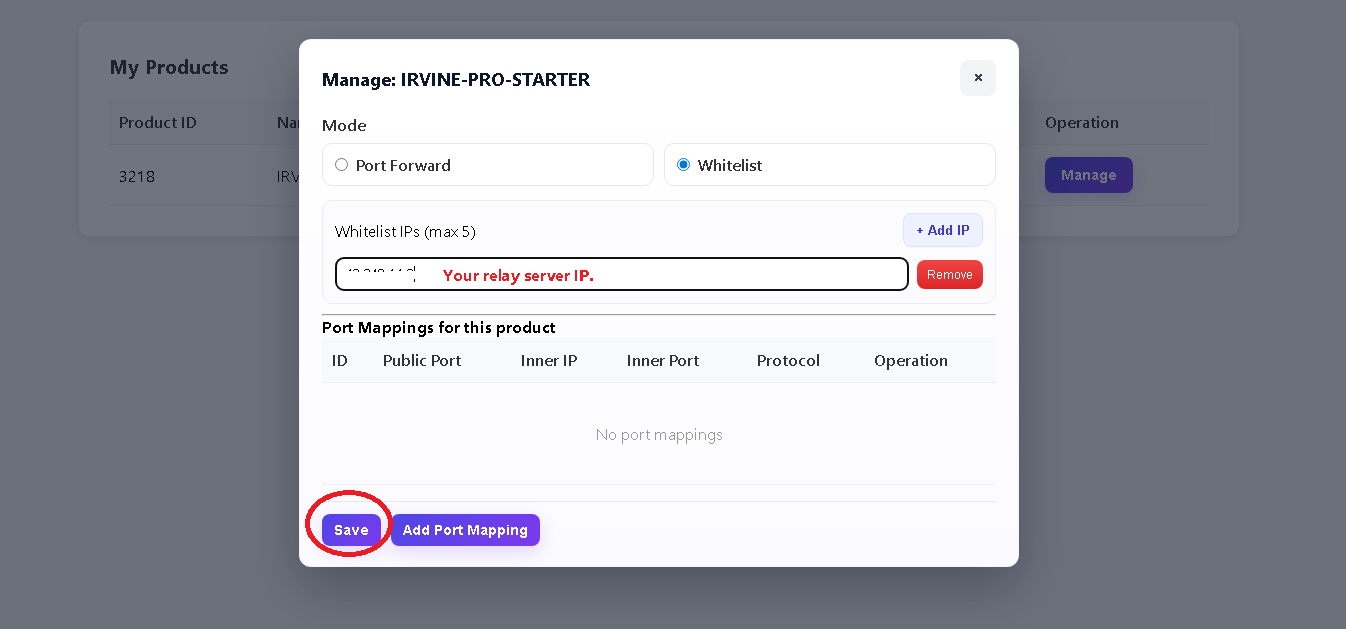
Essential
-
Products that do not add a trusted IP address will reject all connections (including pings). -
can't access? Please first check if the whitelist configuration is correct.Or try saving it again.
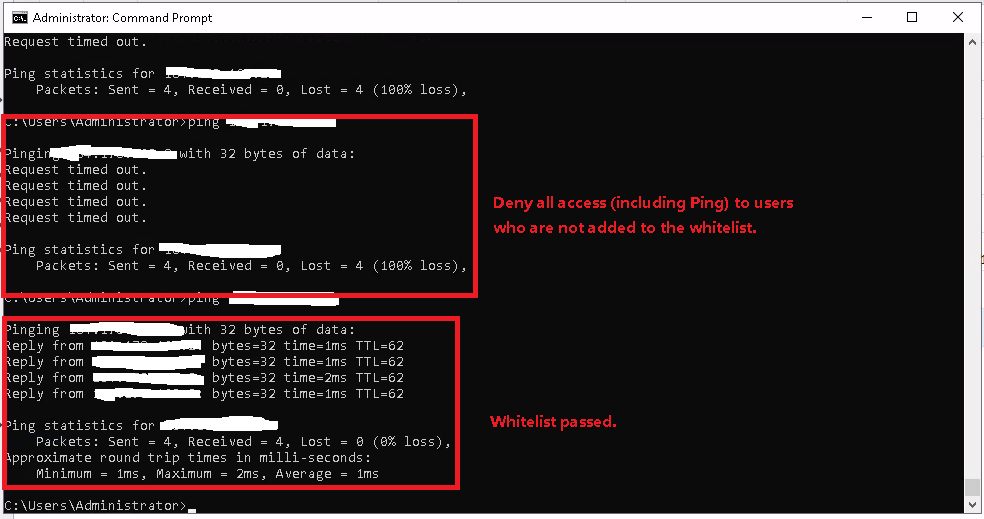
Config completed
full access can't access ✅ relay server ❌ IPs not added to whitelist ✅ Devices connected via relay ❌ Direct access to residential IPs Note
- Maximum of 5 whitelists IPs
- Residential IP addresses are scarce and easily scanned and scored; therefore, please do not expose your server IP address to the public internet. All external access should be handled through a relay address or a whitelisted IPS.